
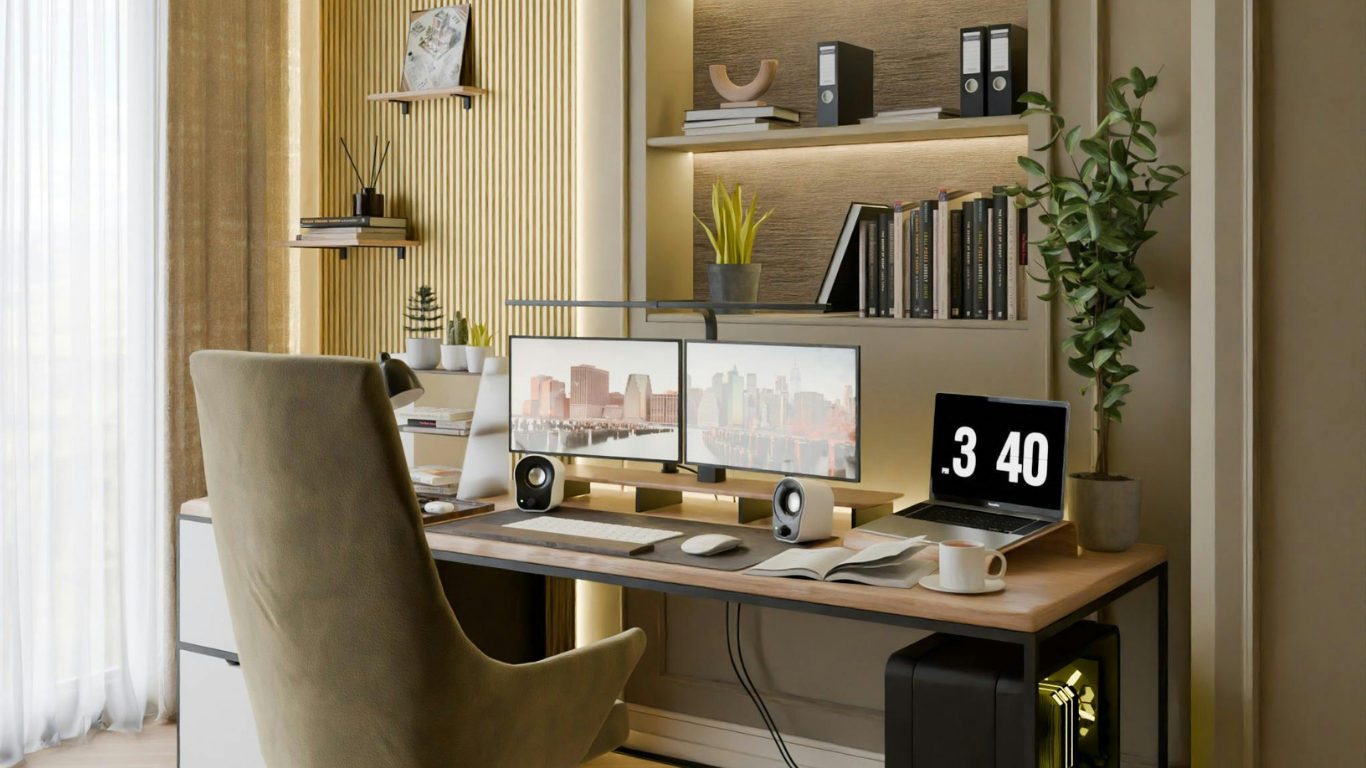
In the tech-heavy corridors of the Greater Seattle Eastside, our homes have become more than just places to rest; they are our headquarters. Whether you’re leading a team at Microsoft, engineering the next big thing at Google, or managing a household while consulting from a home office in Juanita, your workspace is the cockpit of your life.
However, there is a common irony in many million-dollar homes from Houghton to Rose Hill: while the tech inside is cutting-edge, the physical environment surrounding it is often a “catch-all” for cords, Amazon boxes, school permission slips, and hobby gear.
This isn’t just a “mess”, it’s a drain on your productivity. To do your best work, you need more than just high-speed fiber internet; you need Visual Quiet.
We’ve all heard of “peace and quiet,” but in the world of systems and design, Visual Quiet is just as important.
When your desk is covered in a “spaghetti” of charging cables, half-finished projects, and loose mail, your brain is constantly processing that clutter as “unfinished tasks.” Research shows that physical clutter increases cortisol levels, the body’s primary stress hormone, making it harder to focus and easier to burn out.
By creating a minimalist, “airy” desk setup, you are essentially “deflecting” stress. A clean surface allows your eyes to rest, which in turn allows your mind to enter a “flow state” faster. In a high-stakes professional environment, your home office should be a tool that gives you energy, not one that steals it.
Nothing kills a refined aesthetic faster than a tangled nest of black and white plastic cords. For our Kirkland clients, we view cable management not just as “tidying,” but as an essential system build-out.
The goal is simple: Zero cables on the floor. * Cable Trays: Install a tray under the back of your desk to house power strips and excess cord lengths.
When you eliminate the visual noise of technology, the technology itself feels more premium and intentional.
For WFH parents, the home office is often the “Information Hub” for the entire family. This is where corporate meetings collide with soccer schedules and school lunch menus. Without a system, the office desk becomes the landing pad for everything.
We recommend a “Dual-Zone Command Center” strategy:
Zone A: The Deep Work Zone (The Desk)
This area is sacred. Only items needed for your current task should be here. No mail, no toys, no “I’ll deal with this later” stacks.
Zone B: The Transition Zone (The Wall or Side Console)
This is where you manage the “Life Admin.”
Here is a secret we’ve learned after years of professional organizing in the Eastside: Every million-dollar home in Kirkland has a junk drawer. Whether you live in a sleek new build or a charming renovated Tudor, there is always that one drawer filled with mystery keys, dead batteries, 2018 receipts, and extra soy sauce packets.
The goal isn’t to be a robot; the goal is to be intentional. We don’t tell our clients to get rid of their “junk” drawer; we tell them to upgrade it to a “Utility Drawer.” By adding high-quality, clear acrylic dividers and assigning a home for those “miscellaneous” items, you remove the shame of the mess and replace it with a system that actually works for you.
I have a lot of hobby gear (photography/gaming) in my office. How do I hide it?
How do I handle the “Paper Pile-Up” without spending hours filing?
My office is small. How do I make it feel “Airy”?
Perform these four steps every Friday afternoon to ensure you start Monday with total “Visual Quiet.”
Most people try to “clean” their office, but at Minimize & Organize, we focus on designing the system. When your office is architected for efficiency, staying organized isn’t a chore—it’s just the natural state of the room.
Are you ready to trade the digital and physical noise for a space that actually fuels your focus? Let’s design a home office that works as hard as you do.